

 English
 España
 عرب
عرب 简体中文
简体中文How to Choose the Best Wireless Lock for Your Business?
Choosing the best Wireless Lock for your business starts with understanding how people actually use each door. A busy warehouse entrance faces different demands from a quiet office or a small retail storeroom. Count daily entries, identify peak periods, and note where dust, rain, or temperature changes may affect hardware. Observe the routine. It often reveals more than a product brochure.
A dependable system should offer more than convenient smartphone access. Review battery life, emergency entry options, encryption, user permissions, access logs, and compatibility with your existing security platform. Test the lock with real employees, including staff who may not use mobile apps confidently. Check whether administrators can remove a former user quickly. Ask the supplier about firmware updates, technical support, warranty coverage, and replacement parts. Clear documentation matters when a door fails at 7:00 a.m.
Security decisions also require practical judgment. A wireless connection can reduce cabling and installation disruption, but it may introduce signal limitations or maintenance needs. No checklist is perfect. I have seen teams focus on sleek readers while overlooking weak door frames and poor battery monitoring. That mistake is avoidable. Choose a solution that matches your risk level, workflow, and budget, rather than chasing the newest feature. A careful site assessment, a limited pilot, and documented staff feedback can turn a promising Wireless Lock into a reliable business investment.
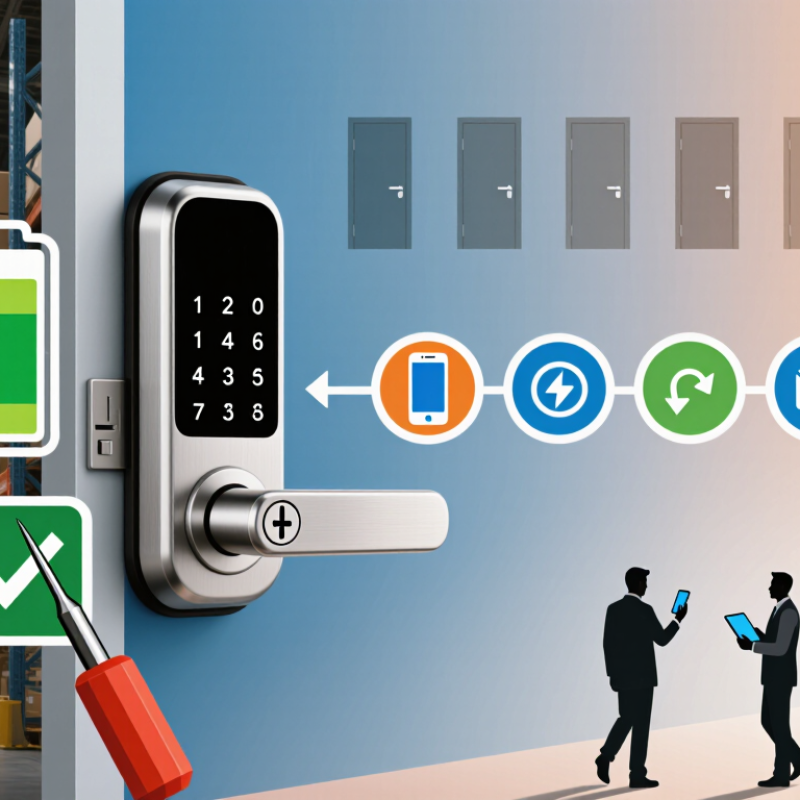
Understanding Wireless Lock Types and Their Core Features
Choosing a wireless lock starts with identifying how your business operates. Battery-powered electronic locks suit offices, clinics, and storage rooms where wiring is disruptive. They usually support PIN codes, cards, mobile credentials, or mechanical override keys. Wireless network locks add remote monitoring, event logs, and scheduled access. They work well across multiple floors, but depend on stable communication.
A 2024 report from Grand View Research valued the global access control market at approximately USD 10.4 billion in 2023. It also projects continued growth through 2030, driven partly by cloud management and connected devices. That growth does not make every wireless lock suitable. Check battery life, encryption, offline operation, audit records, and emergency access before comparing prices. Small details matter. A weak signal near a concrete stairwell can delay an unlock request.
In field assessments, I look at the doorway first. Metal frames, humid loading areas, and heavy daily traffic can expose design weaknesses quickly. Wireless protocols differ, too. Some locks communicate directly with a gateway, while others use mesh networks to extend coverage. The National Institute of Standards and Technology recommends strong authentication, secure updates, and careful credential management for connected systems. Those controls are practical, not decorative. Still, installation plans are rarely perfect. Test several doors during busy hours, review access logs with staff, and allow time for battery replacement.
How to Choose the Best Wireless Lock for Your Business? - Understanding Wireless Lock Types and Their Core Features
| Wireless Lock Type | Typical Credential | Wireless Connectivity | Power Characteristics | Core Features | Main Advantages | Key Considerations | Suitable Business Applications |
|---|---|---|---|---|---|---|---|
| Bluetooth Low Energy Smart Lock | Mobile app, digital key, keypad, or optional RFID credential | Bluetooth Low Energy; some models use a gateway for remote access | Battery powered; low-energy communication helps extend battery life | Mobile unlocking, temporary keys, user permissions, activity logs, auto-lock settings | Convenient phone-based access; generally suitable for retrofitting; efficient power consumption | Remote management normally requires a compatible gateway or hub; Bluetooth range is limited without one | Small offices, shared workspaces, meeting rooms, studios, and low-to-medium traffic areas |
| Wi-Fi Smart Lock | Mobile app, PIN code, digital key, or web-based administrator account | Direct Wi-Fi or Wi-Fi through an integrated bridge | Battery powered; frequent network communication may increase battery consumption | Remote lock and unlock, real-time alerts, access scheduling, audit history, cloud administration | Enables remote control and monitoring without a separate local hub in many installations | Requires dependable network coverage and strong account security; battery replacement may be more frequent | Retail entrances, serviced offices, small facilities, and locations needing remote administration |
| Zigbee or Z-Wave Smart Lock | Mobile app, PIN code, physical key, or connected access platform | Low-power mesh network; internet access usually requires a compatible hub or gateway | Battery powered; designed for low-power communication | Mesh networking, centralized control, scheduled access, automation triggers, status monitoring | Can integrate with building automation and may improve network coverage through mesh communication | Hub compatibility must be verified; network performance depends on device placement and mesh design | Smart offices, managed properties, multi-room facilities, and buildings using automation systems |
| RFID or NFC Wireless Lock | Contactless card, key fob, wristband, or NFC-enabled mobile device | Short-range radio communication; may connect to a wired or wireless access management system | Usually battery powered at the door; credential is typically passive | Fast tap-to-unlock access, credential assignment, permission management, event records | Quick user experience; easy to issue and revoke cards or fobs; no phone battery required | Lost credentials must be deactivated promptly; security depends on the credential technology and system configuration | Hotels, offices, gyms, educational facilities, staff-only areas, and employee entrances |
| Wireless Keypad Lock | PIN code, temporary code, mobile app, or mechanical key override | Bluetooth, Wi-Fi, or proprietary low-power wireless connection depending on the system | Battery powered; keypad usage can affect battery life | Individual PINs, time-limited codes, failed-entry lockout, audit trails, privacy mode | Users do not need to carry cards or use a smartphone; useful for shared access | Codes must not be shared; visible keypad wear and shoulder-surfing risks should be managed | Storage rooms, rental offices, service areas, coworking spaces, and contractor access points |
| Wireless Biometric Lock | Fingerprint or another supported biometric identifier, often with PIN backup | Bluetooth, Wi-Fi, or a dedicated access-control network | Battery or low-voltage power; backup power options may be available | Identity verification, user enrollment, access logs, anti-tamper alerts, backup credentials | Convenient credential-free entry and strong accountability for restricted areas | Requires privacy controls, enrollment procedures, cleaning, and a compliant biometric data policy | Server rooms, laboratories, executive areas, secure storage, and high-security facilities |
| Wireless Electronic Strike or Smart Mortise Lock | Card, PIN, mobile credential, biometric credential, or access-control command | Wireless controller, Bluetooth, Wi-Fi, or a dedicated access-control network | May use batteries, low-voltage wiring, or a hybrid power arrangement | Credential-based entry, door-position monitoring, request-to-exit support, schedules, event logs | Suitable for structured access control and higher traffic than many consumer-style smart locks | Door, frame, fire-rating, egress, and installation requirements must be assessed by qualified personnel | Commercial entrances, multi-tenant buildings, warehouses, schools, and controlled internal doors |
-
- about us
- About Us
- Qualification
- Privacy
-
- Packaging products
- Hot Sale
- Outdoor Sofa Sets
- Outdoor Dining Sets
- Outdoor Loungers/Sunbeds
- Swing Chairs
- Single Chair

